

Spatial audio
Fit a virtual stage to your headphones. On speakers, dial in stereo width and room ambience.
Guided room calibration and personal EQ.
Dedicated Spatial engines for headphones and speakers.

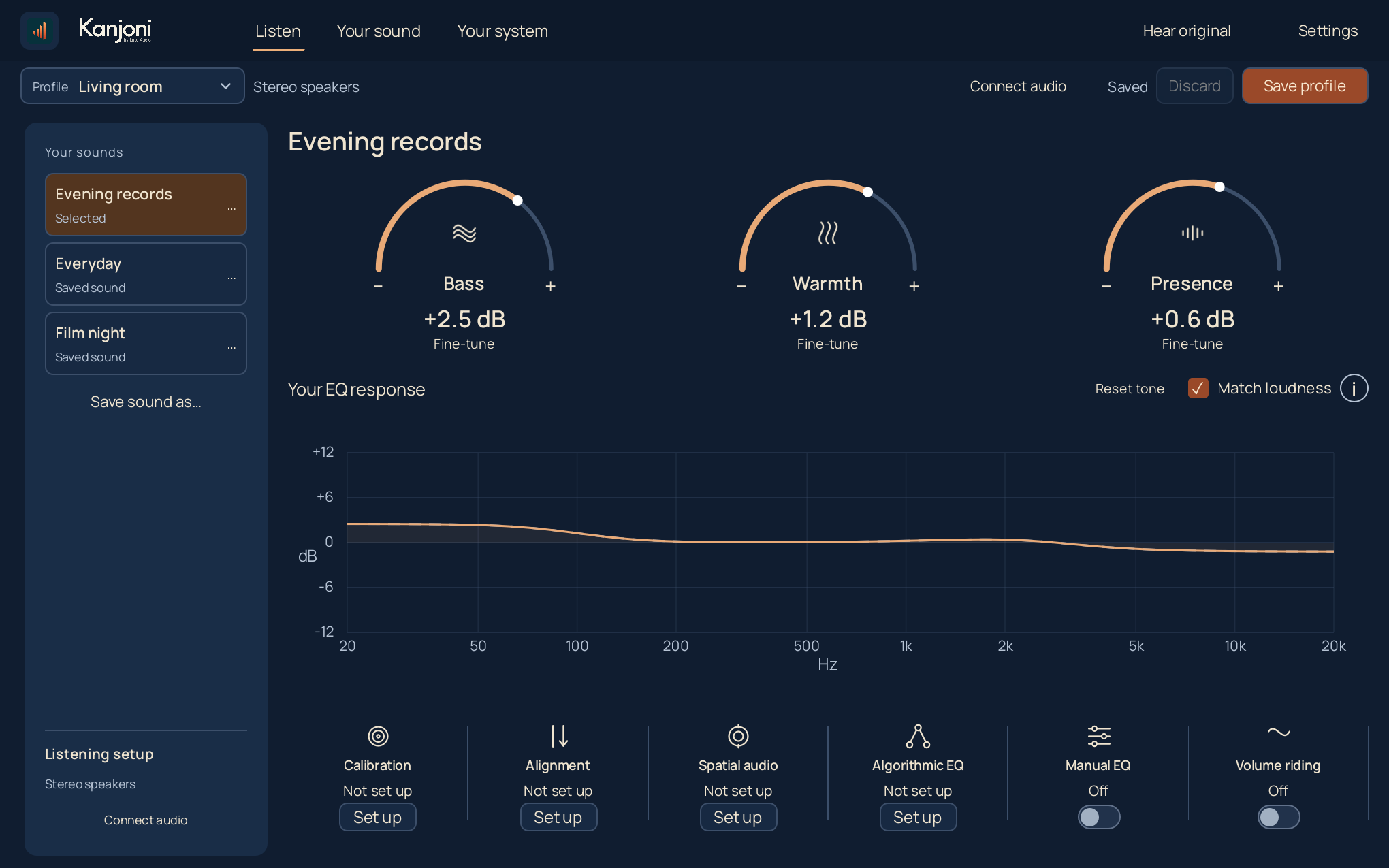
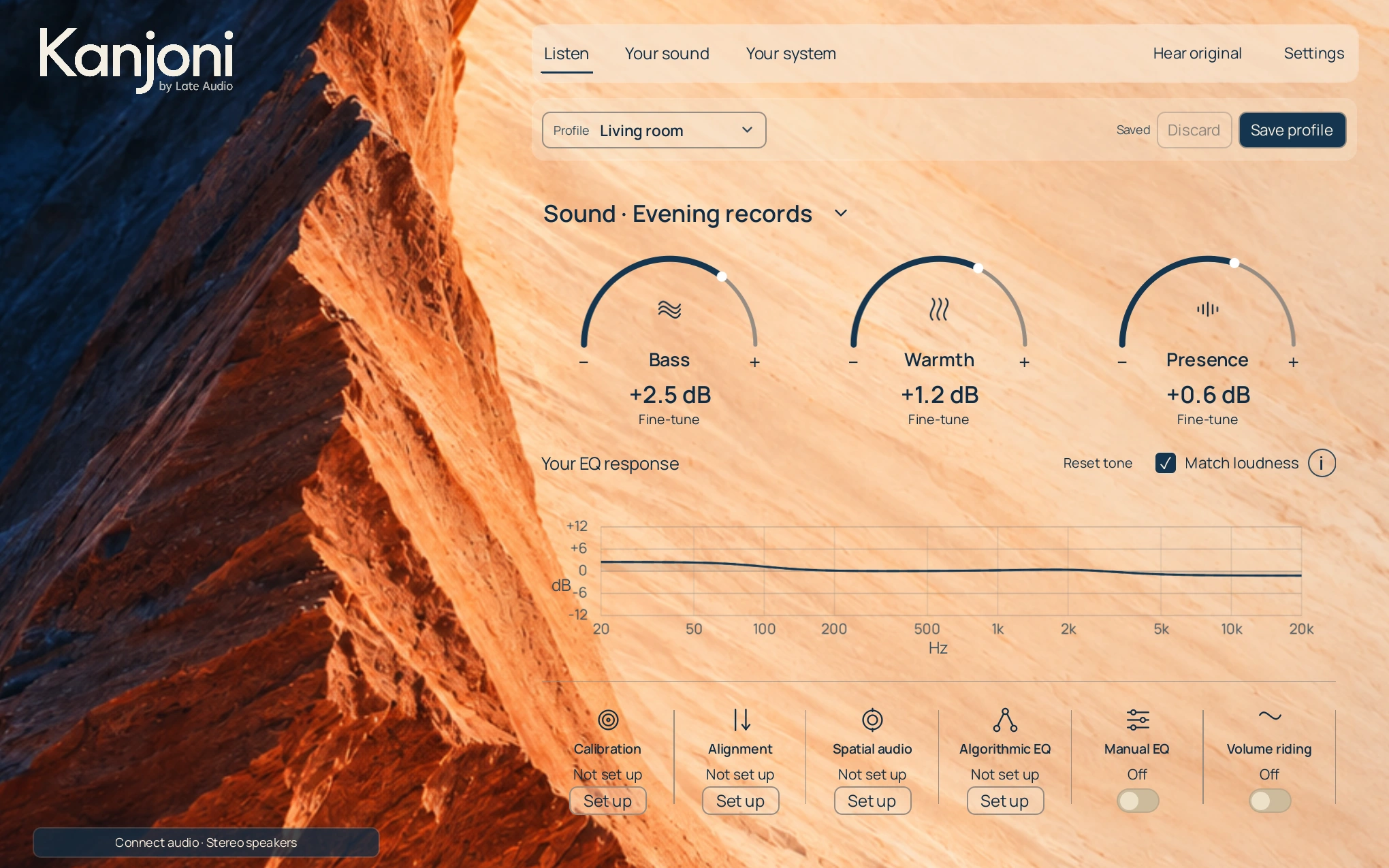
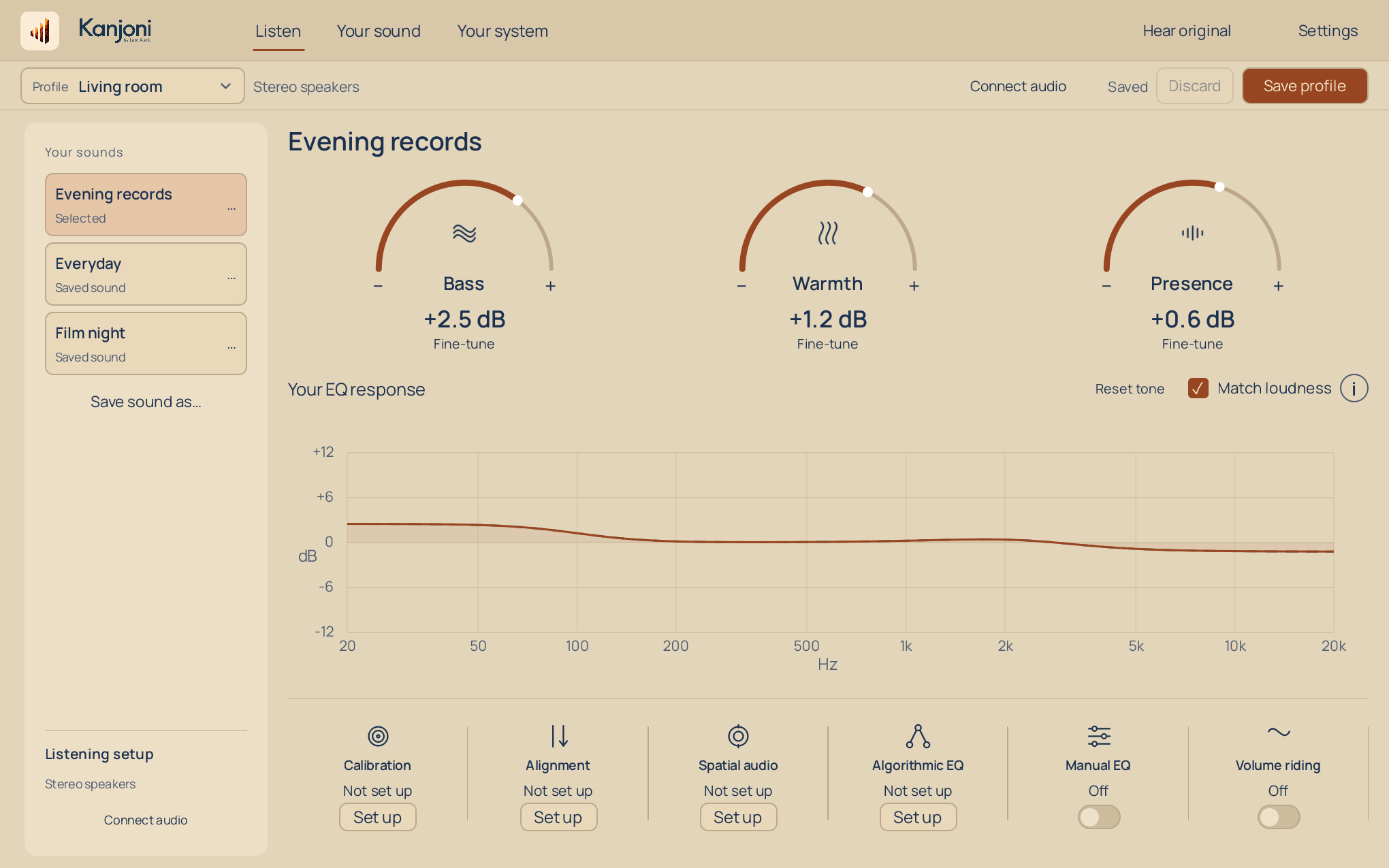
Save a sound for late-night records, another for the speakers at your desk. Compare each with the original as you listen.
Kanjoni is the Swiss army knife of audiophiles and audio professionals.
Fit a virtual stage to your headphones. On speakers, dial in stereo width and room ambience.
Build an EQ from the versions you prefer.
Adjust the details by hand.
Measure bass at your seat, choose the correction and verify it with a fresh microphone sweep.
Set speaker timing and level where outputs allow.
Slowly lift quieter passages, within your chosen limit.
Illustrative examples.
Choose your headphones or speakers and connect Windows playback.
Start with an effect that interests you. Follow its setup and put on something you know.
Compare with your original sound. Save what you prefer for the next time you listen.
Kanjoni runs on a Windows 10 or 11 PC with an Intel or AMD 64-bit processor. Use headphones, speakers or a home-theater system connected to that PC. Windows needs to be in the audio path.
Room and speaker measurements need a microphone. You can use personal EQ, Spatial audio and Volume riding independently.
Headphone controls shape the apparent stage and room around it. Speaker controls adjust stereo width and ambience for your arrangement.
Use Hear original to compare. Switch effects individually, and save separate profiles for your headphones, desk speakers or home theater.
The current early-access build is free and has no trial expiry. At commercial launch, the full Windows app will be $9.99 monthly, $49.99 annually, or $129.99 for lifetime access (USD). Lifetime includes current and future Windows desktop releases for the life of Kanjoni. You can start a 7-day free trial after setup without a payment card.